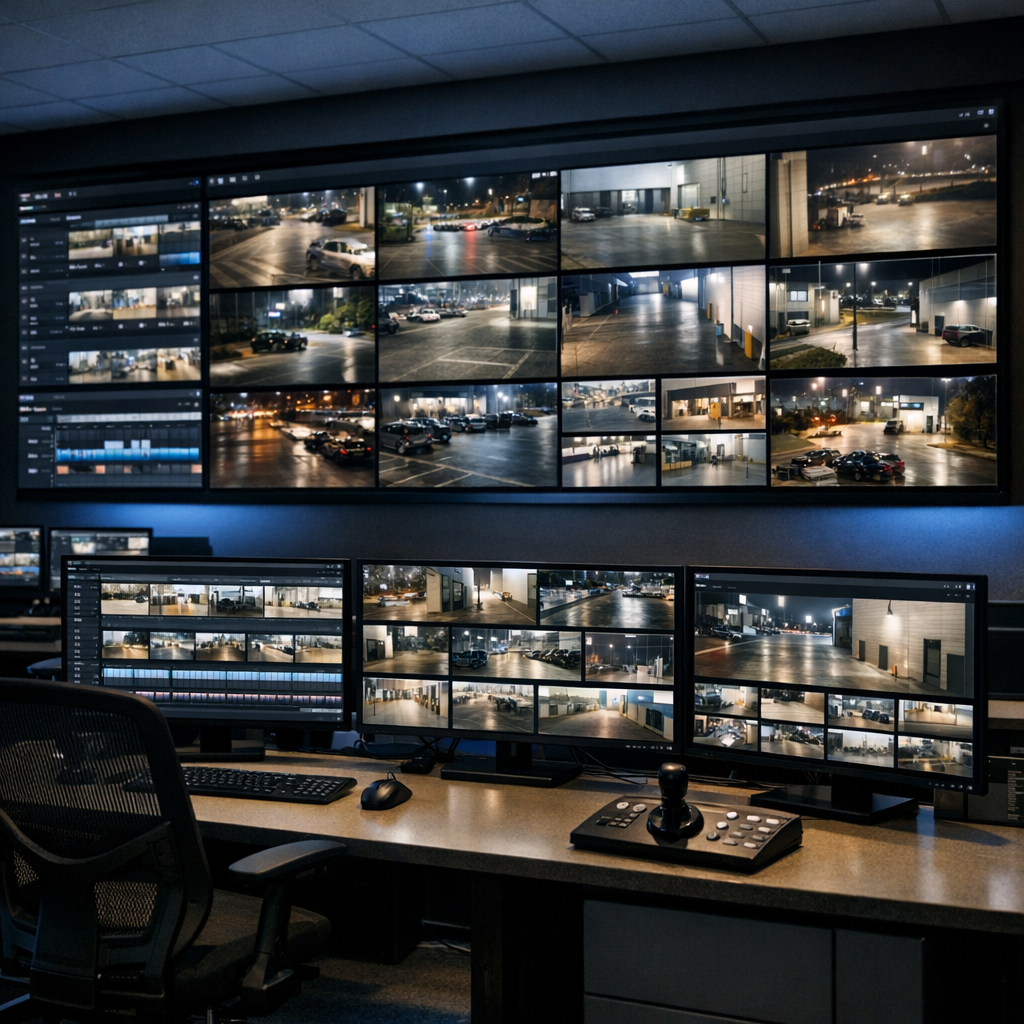
Connect third-party HMIs, control systems and automation platforms to Milestone XProtect Smart Client displays. VideoMon gives external systems command-based control over video layouts, cameras, monitors, fullscreen views and PTZ operation.
Answer at a glance
What is VideoMon?
VideoMon is an ORBNET plugin that enables third-party HMIs, automation platforms and control systems to manage Milestone XProtect Smart Client displays using TCP, UDP or serial commands. It can create video grids, place cameras into individual tiles, activate fullscreen views and control supported PTZ cameras.
TCP, UDP and serial XProtect Smart Client control Current release: VideoMon 1.0.4
External system control
Allow an HMI, control panel or automation platform to control XProtect video displays without requiring operators to manually rearrange every Smart Client view.
Flexible video layouts
Create square or rectangular grids and address individual monitors, rows and columns.
Faster visual response
Present relevant cameras and layouts when an external system, alarm or operator workflow requires them.
Multi-protocol connectivity
Receive commands through TCP, UDP or serial communications to support a wide range of third-party systems.
VideoMon capabilities
Precise control over XProtect displays
Build and control multi-monitor XProtect display layouts from an external HMI, automation platform or control system using a straightforward command-based interface.
01
Flexible grid layouts
Create square or rectangular video grids that match the requirements of individual control-room displays.
02
Monitor and tile addressing
Address individual Smart Client workstations, monitors, rows and columns for precise display control.
03
Camera assignment
Add or remove specific XProtect cameras from individual display tiles using their configured identifiers.
04
Fullscreen operation
Enter or leave fullscreen mode through commands issued by an external control system.
05
PTZ camera control
Control supported pan, tilt and zoom actions, including movement, zoom and return-to-home commands.
06
Multi-protocol connectivity
Receive commands from third-party systems using configurable TCP, UDP or serial protocol receivers.
07
Smart Client monitoring
View detected VideoMon-enabled clients, connection state, monitor count, hostname and network information.
08
Configuration export
Export camera identifiers and detected Smart Client information to support configuration and commissioning.
09
Remote client actions
Refresh or restart supported XProtect Smart Clients through the VideoMon command interface.
How VideoMon connects external systems to XProtect
VideoMon translates TCP, UDP or serial commands from third-party control systems into actions on Milestone XProtect Smart Client displays.
External control system
An HMI, automation platform or control-room interface sends a command using TCP, UDP or serial communication.
VideoMon protocol receiver
VideoMon receives and processes the command, then routes the requested display action through the XProtect environment.
XProtect Smart Client displays
Connected Smart Clients create grids, display selected cameras, enter fullscreen mode or control supported PTZ cameras.
Evaluate and deploy with confidence
Test VideoMon in your own XProtect environment and validate your external-control workflow before deployment.
Technical documentation and support
Access ORBNET guidance covering installation, protocol receivers, firewall configuration, Smart Client discovery, display grids, camera assignment, PTZ commands and troubleshooting.
Planning an externally controlled XProtect video wall?
Talk to ORBNET about your display environment, external control system, communications protocol and required operator workflow.