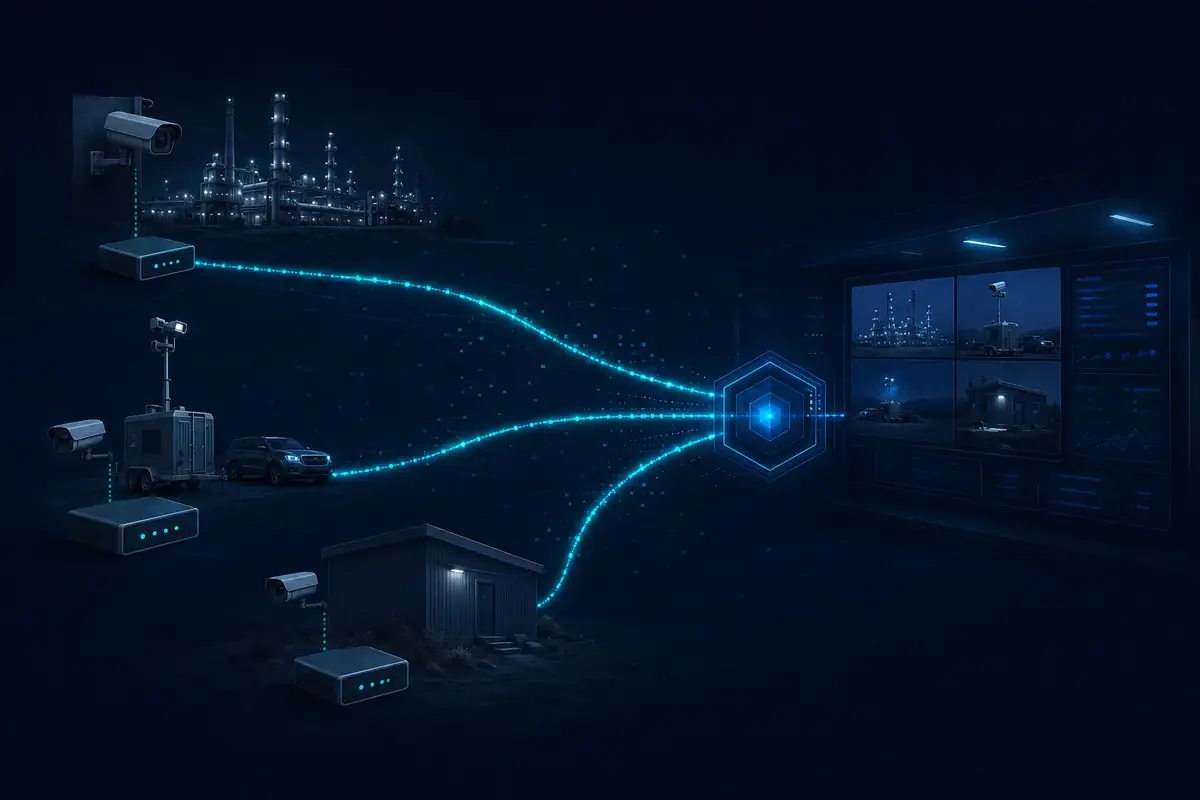
A software video gateway that ingests, converts and distributes live or playback video between Milestone XProtect, remote sources, browsers and third-party platforms.
What software can convert RTSP, SRT, RTMP, HLS or WebRTC video?
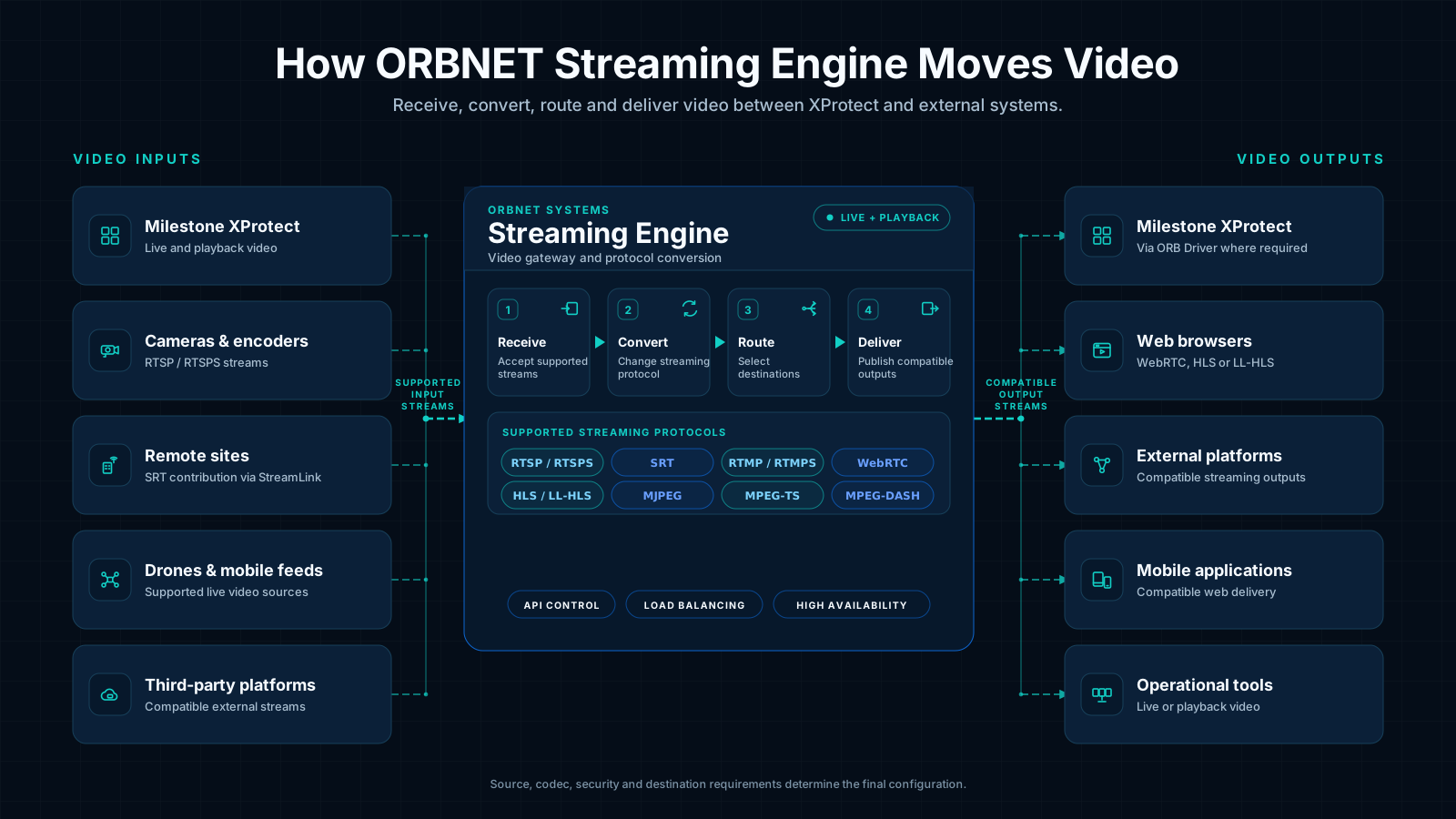
ORBNET Streaming Engine can receive supported video streams and redistribute them using another supported streaming protocol.
This allows workflows such as RTSP to SRT, SRT to RTSP, RTSP to WebRTC, RTMP to HLS or HLS to RTSP. The engine can operate as a protocol converter, streaming gateway or distribution layer between Milestone XProtect, external video sources, browsers and third-party platforms.
Receive
Ingest live video from supported cameras, remote sites, drones, mobile sources, applications and streaming platforms.
Convert
Translate supported incoming streaming protocols into the protocol required by the receiving system or viewer.
Distribute
Route video to one or more destinations, including XProtect workflows, external systems, web applications and compatible viewers.
Compatibility note: The precise configuration depends on the source stream, codec, resolution, audio requirements, security settings and intended output. ORBNET can confirm the appropriate workflow for a specific deployment.
Convert supported video protocols in either direction
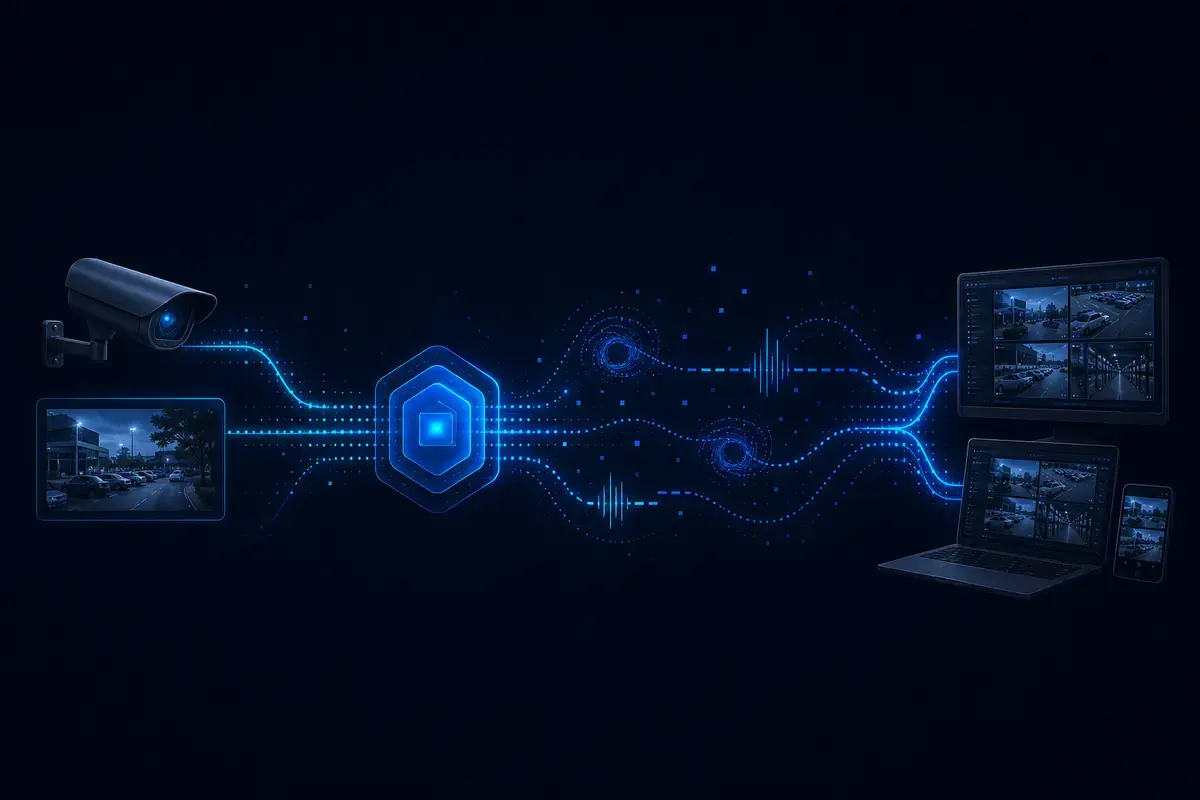
Streaming Engine separates the incoming video source from the protocol required by its destination. This allows security video to move between legacy systems, modern browsers, remote networks, mobile sources and Milestone XProtect workflows without every system needing to support the same transport.
Control how video enters, leaves and moves between XProtect and external systems without restricting every source and destination to the same protocol.
Protocol conversion
Receive a supported streaming protocol and deliver the video using another supported protocol, helping connect systems that cannot communicate directly.
Multi-destination delivery
Route a source to multiple compatible destinations and presentation technologies without rebuilding the original video workflow.
XProtect live and playback distribution
Send live or recorded video from Milestone XProtect to authorised external platforms, operational tools and compatible viewers.
API control and automation
Use API-controlled workflows to create, manage and route streams from an external application or automated operational process.
External stream ingestion
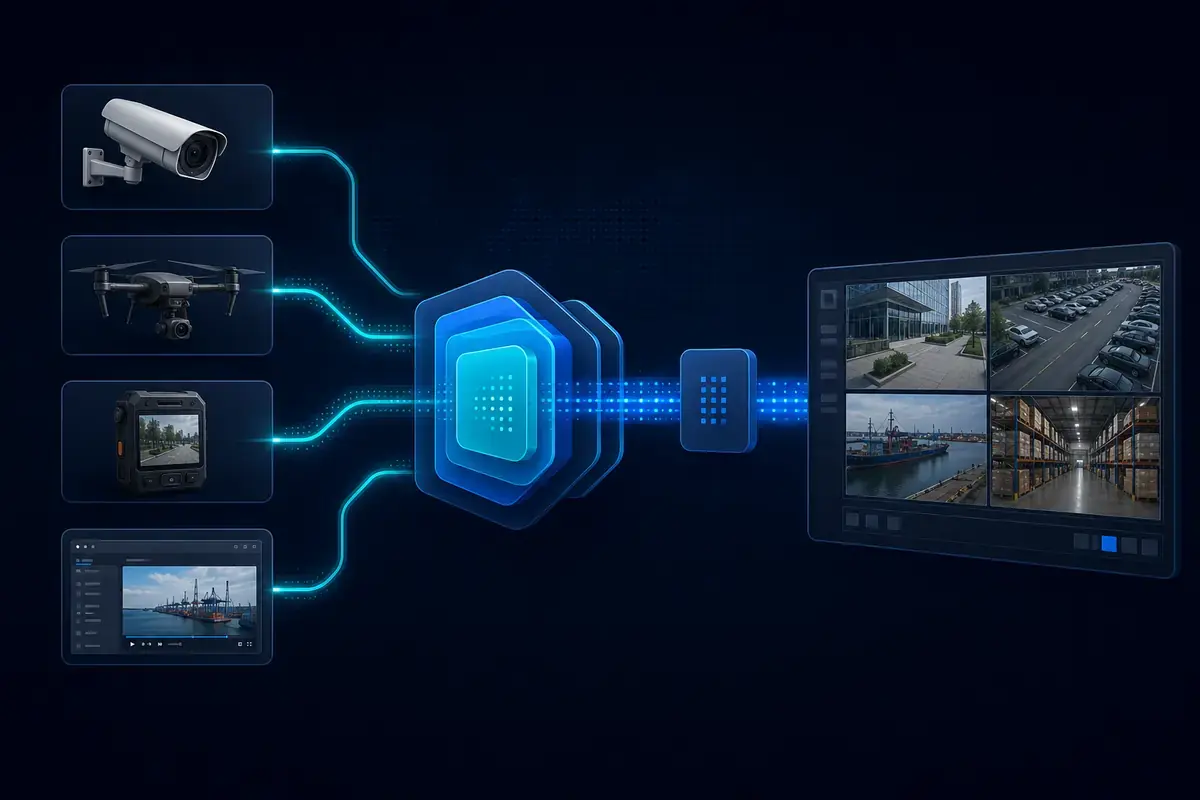
Receive video from compatible cameras, drones, mobile feeds, remote sites and third-party streaming sources.
Resilient deployment
Support load-balanced and high-availability deployment designs for streaming workflows that require increased resilience or scale.
How Streaming Engine moves video between systems
Sources and destinations do not need to use the same streaming protocol. Streaming Engine receives the source, applies the required routing and protocol workflow, and publishes a compatible output to the receiving system.
When an external source needs to be presented as a device inside Milestone XProtect, Streaming Engine can operate with ORB Driver. For remote edge contribution, it can operate with ORBNET StreamLink.
Controlled incident video sharing for education
In the ORBNET Education Bundle, Streaming Engine can provide the outward video layer, allowing selected live or recorded XProtect video to be made available to authorised recipients without exposing the complete VMS environment.
Receive an RTSP or RTSPS source and deliver it using SRT for resilient contribution across remote, variable or less reliable networks.
Features
Convert SRT into RTSP
Receive an SRT contribution stream from a remote site or mobile source and publish a compatible RTSP output for a VMS, application or downstream video service.
Features
Deliver XProtect video to a browser
Use WebRTC, HLS or LL-HLS to make authorised XProtect video available to compatible browser-based and mobile workflows without requiring the destination to consume a native VMS stream.
Features
Send XProtect playback to an external platform
Make recorded as well as live XProtect video available to authorised external applications and operational systems where supported by the deployment.
Features
Bring external sources into XProtect
Receive external streams through Streaming Engine and use ORB Driver where the source needs to be presented and managed inside Milestone XProtect.
Features
Connect distributed sites
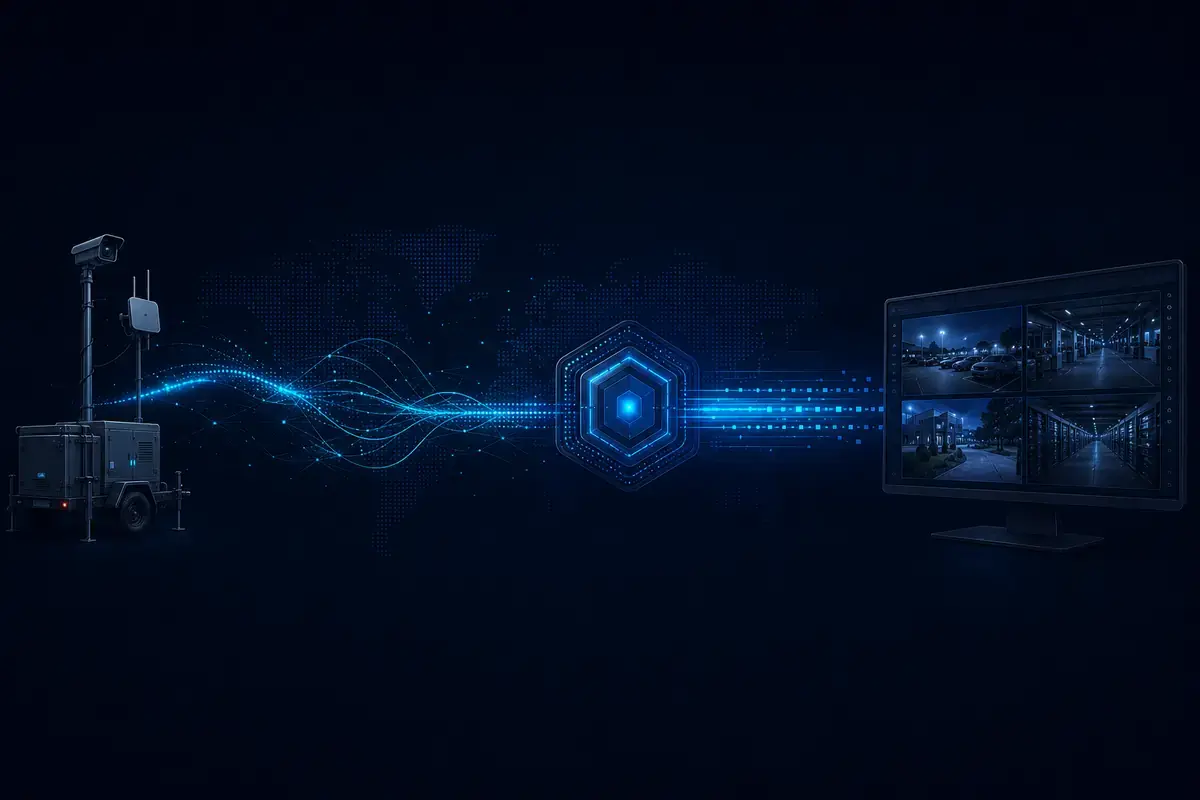
Use StreamLink at the edge to collect compatible local video and contribute it securely to Streaming Engine using SRT.
StreamForce architecture
How the StreamForce components fit together
Streaming Engine, ORB Driver and StreamLink perform different roles. They can operate individually or be combined to create an end-to-end workflow spanning remote video contribution, protocol conversion, XProtect ingestion and external distribution.
Edge 01
StreamLink
Bring edge video back securely
StreamLink is a lightweight edge application that collects compatible video from a remote or distributed location and contributes it to Streaming Engine using SRT.
Use StreamLink for:
Remote and distributed sites
Temporary security deployments
Local ONVIF or RTSP sources
SRT video contribution
Core 02
Streaming Engine
Convert, route and distribute video
Streaming Engine is the central protocol-conversion and distribution layer. It receives supported streams and publishes compatible outputs for XProtect, browsers, mobile workflows and external platforms.
Use Streaming Engine for:
Streaming-protocol conversion
XProtect live or playback distribution
External stream ingestion
API-controlled video routing
XProtect 03
ORB Driver
Present more video sources inside XProtect
ORB Driver presents supported video streams to Milestone XProtect, helping external or non-standard sources operate as manageable video sources within the VMS.
Use ORB Driver for:
Bringing supported streams into XProtect
Non-standard video sources
VMS recording and management
StreamForce ingestion workflows
Components are selected around the workflow: not every deployment requires all three components, and they do not always operate in a fixed sequence.
How should I choose a video gateway for Milestone XProtect?
The best video gateway depends on where the video is coming from, where it needs to go and what each system can receive.
A suitable gateway should support the required video direction, streaming protocols, live or playback access, network conditions and operational-resilience requirements. These six questions provide a practical starting point.
1
Which direction must video move?
Determine whether the gateway must bring external video into XProtect, distribute XProtect video externally or support workflows in both directions.
2
Which protocols are involved?
Confirm the protocol used by every source and destination, including requirements for RTSP, SRT, RTMP, HLS, WebRTC or other supported formats.
3
Is live video enough?
Some workflows require live video only, while others also need authorised access to recorded or playback video from Milestone XProtect.
4
Where will video be viewed?
Browser and mobile delivery may require WebRTC, HLS or LL-HLS rather than the protocols normally used by cameras and video-management systems.
5
What are the network conditions?
Remote, mobile or variable network connections may benefit from SRT and an edge-contribution component such as ORBNET StreamLink.
6
How will the service be operated?
Consider API control, monitoring, concurrent workflows, load balancing and high-availability requirements before selecting the final architecture.
When is ORBNET Streaming Engine a good fit?
ORBNET Streaming Engine is designed for workflows that require protocol conversion, bidirectional video movement, external source ingestion, XProtect live or playback distribution, browser delivery, API-controlled routing or resilient multi-destination deployment.
Deployment models
Deploy the engine around the video workflow
Streaming Engine can be positioned around the sources, networks and receiving systems involved in the deployment. It can operate as a central service, receive contribution from distributed locations or form part of a more resilient streaming architecture.
01
Central deployment
Central streaming service
Position Streaming Engine close to Milestone XProtect or the main video infrastructure when several systems need a shared conversion and distribution layer.
Typical applications
Distributing XProtect live or playback video
Converting streams for multiple receiving systems
Providing browser or mobile delivery workflows
Centralising API-controlled stream routing
02
Distributed deployment
Remote and edge contribution
Combine Streaming Engine with ORBNET StreamLink when compatible video must be collected at a remote, mobile or temporary site and contributed back using SRT.
Typical applications
Remote security locations
Temporary or rapidly deployed sites
Mobile and field-video contribution
Networks with variable connectivity
03
Resilient deployment
Load-balanced and high-availability design
Use load-balancing and high-availability deployment options where the streaming service requires increased resilience, capacity or operational continuity.
Typical considerations
Expected stream and viewer demand
Service-availability requirements
Maintenance and upgrade planning
Monitoring and operational support
XProtect ingestion
Add ORB Driver when compatible external streams need to be presented and managed as video sources inside Milestone XProtect.
Edge contribution
Add StreamLink when video needs to be collected at a remote location and contributed securely to Streaming Engine using SRT.
Complete workflow
Combine the components when the deployment spans remote contribution, protocol conversion, XProtect ingestion and external video distribution.
Sizing note: Final architecture and capacity should be determined from the number of sources, destinations, viewers, protocols, codecs, resolutions and resilience requirements involved in the deployment.
01 What is ORBNET Streaming Engine?
ORBNET Streaming Engine is the protocol-conversion and video-distribution layer within the StreamForce ecosystem. It receives supported video streams and redistributes them to XProtect workflows, external systems, browsers and compatible viewers.
02 Can I convert RTSP video into SRT or WebRTC?
Yes. Streaming Engine can receive a supported RTSP or RTSPS stream and provide an SRT or WebRTC output as part of a configured streaming workflow.
03 Can I convert SRT, RTMP, HLS or WebRTC into RTSP?
Streaming Engine supports conversion and redistribution between supported input and output protocols, including workflows that provide an RTSP or RTSPS output. Compatibility should be confirmed against the source codec, security settings and intended destination.
04 Can Streaming Engine send XProtect video to an external system?
Yes. Streaming Engine can distribute authorised live or playback video from Milestone XProtect to compatible external platforms, applications and viewers.
05 Can it bring external video into Milestone XProtect?
Yes. Streaming Engine can receive external video sources and can operate with ORB Driver when those sources need to be presented and managed inside Milestone XProtect.
06 Can I view XProtect video in a browser?
Streaming Engine can provide compatible browser-delivery workflows using protocols such as WebRTC, HLS or LL-HLS, subject to the requirements and configuration of the deployment.
07 Does Streaming Engine only work with Milestone XProtect?
No. Streaming Engine can operate as a video-conversion and distribution layer for supported external streams. Milestone XProtect integration is one of the workflows available within the wider StreamForce ecosystem.
08 Does Streaming Engine support high availability?
Streaming Engine supports deployment options that include load balancing and high availability for workflows requiring increased resilience or scale.
09 What is the best video gateway for Milestone XProtect?
The best video gateway depends on whether the deployment needs external ingestion, video distribution, protocol conversion, browser delivery, playback access, API control or high availability. ORBNET Streaming Engine is designed for XProtect deployments that require several of these capabilities in one video-routing layer.
Compatibility and final architecture depend on the source stream, codec, destination, network conditions, security settings and deployment requirements.
Have a video workflow that doesn't fit?
Tell us what video you have, where it needs to go and which protocols or systems are involved—we'll help define the appropriate Streaming Engine, ORB Driver and StreamLink configuration.